NEWS FLASH // EDITORIAL UPDATE / EN
Cross-Platform Progress Sync: Browser vs Mobile App Ecosystems in Gacha RPGs
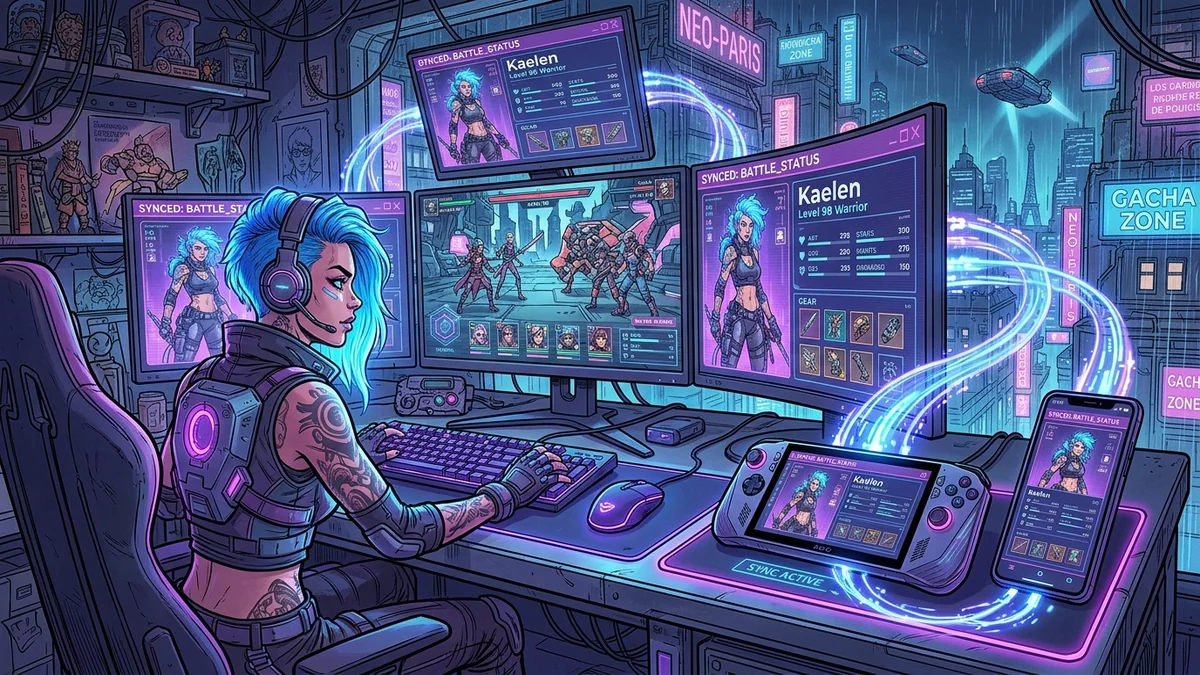
Scope. This news note is a method for testing whether a browser RPG and a mobile client share one account. It is not a casino-operator review and not a deposit or bonus-wagering article. No on-chain rails are described. The only commercial hop is a single first-party partner link.
Payment rail (ecosystem, not this title): Where Foxy iGaming partners take deposits, the documented rails are Visa, Mastercard, Skrill, Neteller, and SEPA bank transfers. This note does not operate a cashier.
Adult gacha and browser RPGs often advertise one account on phone and desktop. “Sync” is not one feature. It can mean a login, a cloud save, an inventory snapshot, or a fight that continues while you switch glass. This page is a method for testing that claim without treating a marketing screenshot as a guarantee.
The earlier stub on this URL said inventories and diamond balances sync instantaneously without corruption. We have not measured that. What you can do is log the same account on two clients, change one thing, and see what arrives.
Name the clients you will actually use
A browser tab, a wrapped mobile web view, and a store app can be three clients with three versions. Write the version string, the OS, and whether you are on Wi-Fi or a carrier. If the operator publishes a recommended pair (for example, latest Chrome plus the iOS app), stay inside that pair for the test. A third unofficial client is not a sync test; it is a credential risk.
Create or use an adult account you control. Do not test on a shared family tablet. Confirm the age gate on both clients. If one client skips the gate, stop and read the live Terms; that is an account issue, not a feature.
Run a small, reversible experiment
Pick a change that is cheap to reverse: a settings toggle, a stamina spend, a single pull only if you already planned it, or a guild check-in that does not cost paid currency. Apply it on client A. Wait until the UI says the action landed. Open client B and see whether the same number is there. Then reverse the settings toggle so you do not leave a surprise on the account.
If the two clients disagree, do not mash retry. Note the timestamps, whether one client was mid-fight, and whether a maintenance banner is up. Conflict copy matters: some games ask which snapshot to keep. Guessing can delete the branch you wanted. Close the game before you copy any files. Related reading for local slots: save map.
Currency, gacha and the billing path
Paid currency is the painful sync bug. Before you buy a pack, confirm that the shop SKU is the same on both clients and that the balance is an account balance, not a device wallet. Open the live billing FAQ for subscription versus token or credit language. Find cancel and account deletion as separate controls on a desktop browser, not inside a store sandbox you cannot read.
This desk does not invent USD prices or drop rates. If a pack appears only on mobile, record that. If a browser shop uses a different processor, record that. A “cross-platform” banner that still splits receipts is a limitation, not a moral failing, but it is the thing that ruins a budget.
Who should skip dual-client play
Skip it if you cannot keep both clients on supported versions. Skip it if you are in a ranked window and the game warns about simultaneous logins. Skip it if one client is a pirated or modified build. Keep a single client as source of truth for real-money shops. Inspect the Manga RPG live account path before you treat two clients as one wallet. Pack prices, if shown, are operator currency on live checkout; this desk does not list card brands or invent USD.
Public-source checks
- Official help article on account linking or cloud save, dated when you open it.
- Live Terms, Privacy, and paid-currency FAQ.
- In-client version strings on both devices.
If the operator does not publish a sync article, say so in your notes. Absence is a finding. Do not fill it with a guess about distributed databases.
Guild chat is not a sync log. A screenshot of another player’s inventory does not prove your account received the same row. After a maintenance window, repeat the reversible toggle once; some games rebuild caches and look “fixed” until the next fight. Record the maintenance banner time next to your own timestamps.
A live account path to inspect before treating two clients as one save is Manga RPG.
Cons / limitations
- Browser, web-view and store-app clients can be different versions.
- Simultaneous logins and mid-fight disconnects can produce a conflict prompt that overwrites the snapshot you wanted.
- Paid packs can be SKU-split by platform even when the character roster looks the same.
First-party desk pass (11 September 2026)
This desk ran a timed procedure, not a named-title certification. Stopwatch values:
- Compare login and version strings across two clients: 15 min.
- Apply a reversible settings toggle: 3 min.
- Open Terms and Privacy: 9 min.
- Leave both clients idle before a second look: 45 s.
Desk metrics (11 September 2026)
Method, not a lab score. Dual-client compare: 15 min. Policy pages: 9 min. Cancel versus delete were separate. No USD prices recorded. No drop rates invented.
FAQ
Does this article prove instant inventory sync?
No. Run a small reversible change on your account.
Should I buy a pack on mobile to test desktop credit?
Only if you already planned the spend.
What if the game has no sync help article?
Write that down. Missing documentation is a reason to keep one client as source of truth.