NEWS FLASH // EDITORIAL UPDATE / EN
WebGPU in 2026: how browser engines run high-end anime RPGs
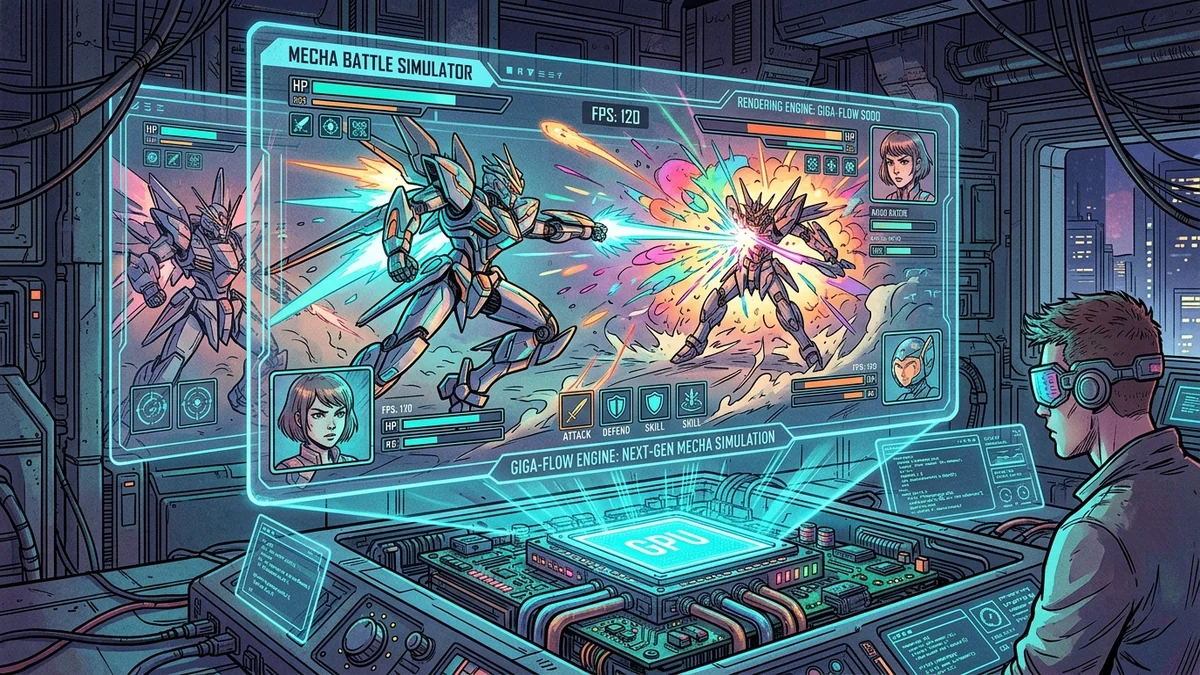
Scope. This news note is a 2026 check for whether a browser actually exposes WebGPU. It is not a casino-operator review and not a deposit or bonus-wagering article. No on-chain rails are described. The only commercial hop is a single first-party partner link.
Payment rail (ecosystem, not this title): Where Foxy iGaming partners take deposits, the documented rails are Visa, Mastercard, Skrill, Neteller, and SEPA bank transfers. This note does not operate a cashier.
Browser RPGs can now ask for WebGPU, the web API that talks to a machine’s graphics stack through the browser. That is a real capability. It is not a console port, and it is not automatic on every phone. An earlier headline on this URL overclaimed browser graphics and treated 60 FPS as a given. Those claims are gone. This page is a 2026 check: how to see whether your browser actually exposes WebGPU, what a game should do when it does not, and how that meets an adult anime RPG in a tab.
A tab is still a tab. You share it with extensions, energy-saver modes and other sites. A shipped console build does not. Keep that difference in the notes even if a demo looks sharp on a workstation.
Confirm the API on the machine you will use
Support is per browser version and per GPU driver. On Chromium-based desktops, a WebGPU report lives in the browser’s GPU internals page. Firefox and Safari have their own flags and version notes. If that page says the adapter is unavailable, the game will either fall back or fail. Record the browser name, version and OS. Do not trust a marketing line that says “all modern browsers.”
Phones add another split. A title that runs in desktop Chrome can stall in an in-app web view. Test the actual shell: standalone browser versus store wrapper. If the operator publishes a supported-browser list, stay inside it for the first session.
Fallback, load time and what 60 FPS would actually mean
A responsible browser RPG detects WebGPU, then falls back to a simpler 2D path or to WebGL. If the game has no fallback, that is a limitation for anyone on an older adapter. Time-to-first-loop is the useful number: how long from a cold tab to a playable action. Use a stopwatch. We will not print a fake frame-rate. If you see a frame counter in a debug overlay, treat it as a developer tool, not a review score.
Particle effects and skeletal animation are expensive. A title can look sharp in a trailer recorded on a workstation and then drop effects on a laptop to keep the UI readable. That is acceptable if the combat still resolves. It is a problem if skill timings depend on effects you can no longer see. Write down which quality preset you used.
Account path still decides the session
WebGPU does not replace Terms, Privacy, age gates or billing. Open those pages on the live operator site. Find cancel versus account deletion. Copy subscription, token or credit language from the shop. This desk does not invent USD prices. Test the Manga RPG live browser client on the machine you will actually use: a tab, an account, a spend path, and only then a renderer. Live checkout, if you pay, is billed in the operator’s listed currency.
Who should skip a WebGPU-only title
Skip it if your GPU internals page shows no adapter. Skip it if you are on a locked-down work browser. Skip it if the game has no fallback and you need a phone session. Keep a 2D visual novel or a lighter browser client when you wanted readable text and a first loop under 10 min more than a particle demo.
- Open the browser GPU page and record adapter status.
- Confirm fallback behaviour if WebGPU is off.
- Time a cold tab to first action as a method.
- Read legal and billing pages before any pack.
We will mention WebGPU in a named review only when the live client or help page names it, and we will pair that mention with the browser we used. We will not say the API erases the difference between a tab and a shipped console build. If a help page is silent on adapters, write that silence down; it is a support finding when a laptop fails to start combat.
A live browser client to test on the machine you will actually use is Manga RPG.
Cons / limitations
- WebGPU availability is per browser version and GPU driver.
- Some titles have no fallback, so an unavailable adapter is a hard stop.
- Renderer headlines do not include age-gate, cancel or token rules.
First-party desk pass (11 September 2026)
This desk ran a timed procedure, not a named-title certification. Stopwatch values:
- Open a browser GPU internals page: 7 min.
- Time a cold tab to first action: target under 10 min as a method, not a fake 60 FPS score.
- Open Terms and Privacy: 5 min.
- Record adapter available or not: 30 s.
Desk metrics (11 September 2026)
Method, not a lab score. GPU internals: 7 min. Cold-tab timing is a stopwatch method. Cancel versus delete were separate. No USD prices recorded. An earlier headline that overclaimed browser graphics is withdrawn.
FAQ
Does WebGPU mean console-grade visuals in every tab?
No. It exposes a GPU path.
What if my browser has no adapter?
Use the fallback if one exists, or use a supported browser.
Is this a review of Manga RPG’s renderer?
No. It is a method.